Turn a prompt into a deck
Describe your talk, choose a look, and download the slides.
Free plan: 3 decks a week.
Three steps, in order
Directions
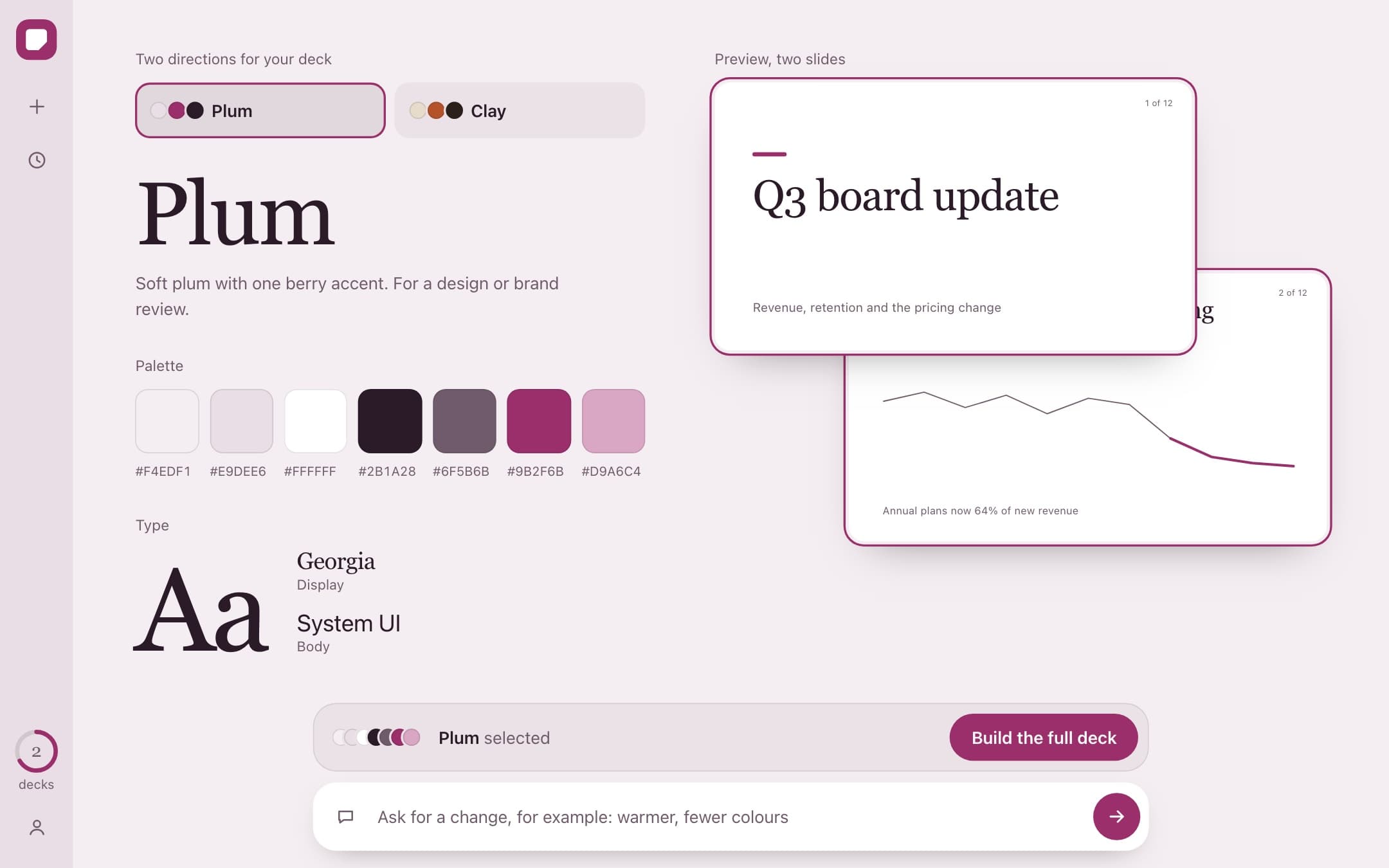
You get two design directions, each previewed on two slides, and pick one.
Build
The full deck is written in the direction you chose.
Change
Ask for edits in plain words.
Choose a look
Each direction is previewed on two real slides before anything is built.
Change it by asking
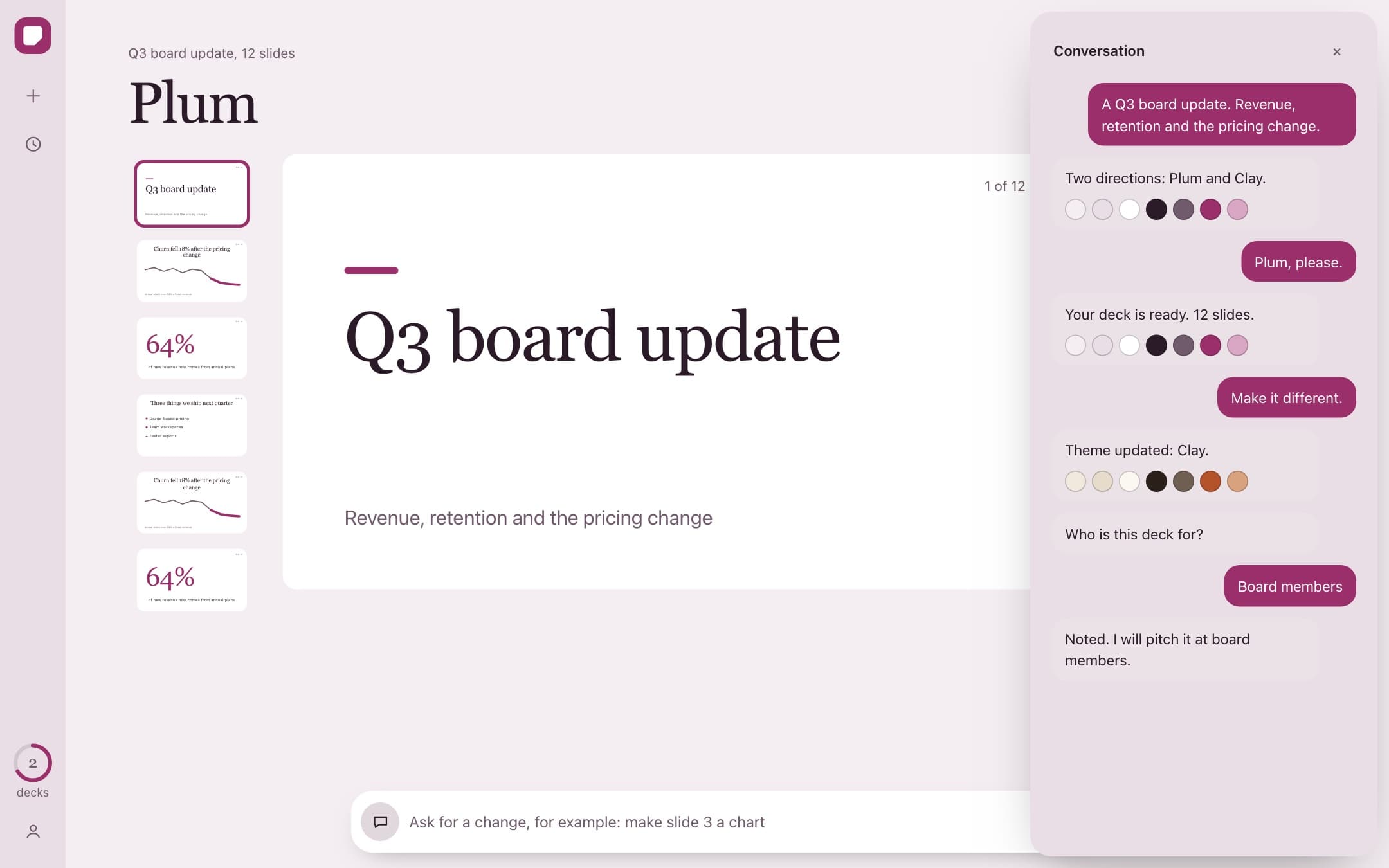
Type what you want in plain words. The deck updates beside the conversation.
- HTMLFree
- PDFFree
- PowerPointPaid plans only.
Your decks are stored privately.
Plans
| Plan | Decks | Downloads | Price |
|---|---|---|---|
| Free | 3 a week | HTML, PDF | No charge |
| Paid | 15 a week | HTML, PDF, PowerPoint | $7 a month |
Paid also allows decks of up to 30 slides, builds queued ahead of free ones, and keeps your decks without the 30-day idle deletion. Cancel any time.
Start freeBefore you sign up
Who can see my decks?
Only you. Decks are stored privately and nothing is published.
What happens at the weekly limit?
You can still open, edit and download your existing decks. New decks wait for the next week, which starts on Monday (UTC).
Can I change the look later?
Yes. Ask for a different look in the chat, for example “warmer, fewer colours”.
Can I open the deck in PowerPoint?
Paid plans export a .pptx file. Every plan downloads HTML and PDF.